dani.park
Never forget where you parked
We've all been there — wandering through a parking garage, clicking the key fob, hoping to hear a beep. Or circling a neighborhood block trying to remember which street you left your car on. dani.park eliminates that anxiety entirely.
The moment you park, open the app and tap once. Your GPS location is saved instantly, along with the time, a photo if you want one, and an optional note like "Level 3, near the elevator." When it's time to leave, dani.park shows you exactly where your car is on a map with turn-by-turn walking directions — no more guessing.
If you're at a meter, set a timer and get a push notification before it expires. No more tickets. No more running back "just in case." The app even keeps a history of everywhere you've parked, so you can find that restaurant's street parking spot you loved last month.
And here's the thing most people don't think about: if you're like most of us, your camera roll is littered with photos of parking level signs, row markers, and garage entrances — ugly, useless photos that clutter your memories. With dani.park, parking photos stay inside the app where they belong. Your photo library stays clean. Your parking spots stay organized.
How it works
Park & Tap
When you park, open dani.park and hit the big orange button. Your location is saved instantly. Add a photo or note if you want — but it's not required.
Set a Timer (Optional)
Parked at a meter? Slide to set a timer. You'll get a push notification 5 minutes before it expires, giving you time to move or top up.
Walk Back with Confidence
When you're ready to leave, tap "Find My Car." A map opens with walking directions straight to your spot — distance, ETA, and all.
Key Features
One-Tap Save
Open the app, tap the big orange button, done. Your GPS coordinates are captured instantly. Optionally add a photo of your surroundings or a note like "Level 3, near elevator B" — but it's never required. The whole flow takes under 2 seconds.
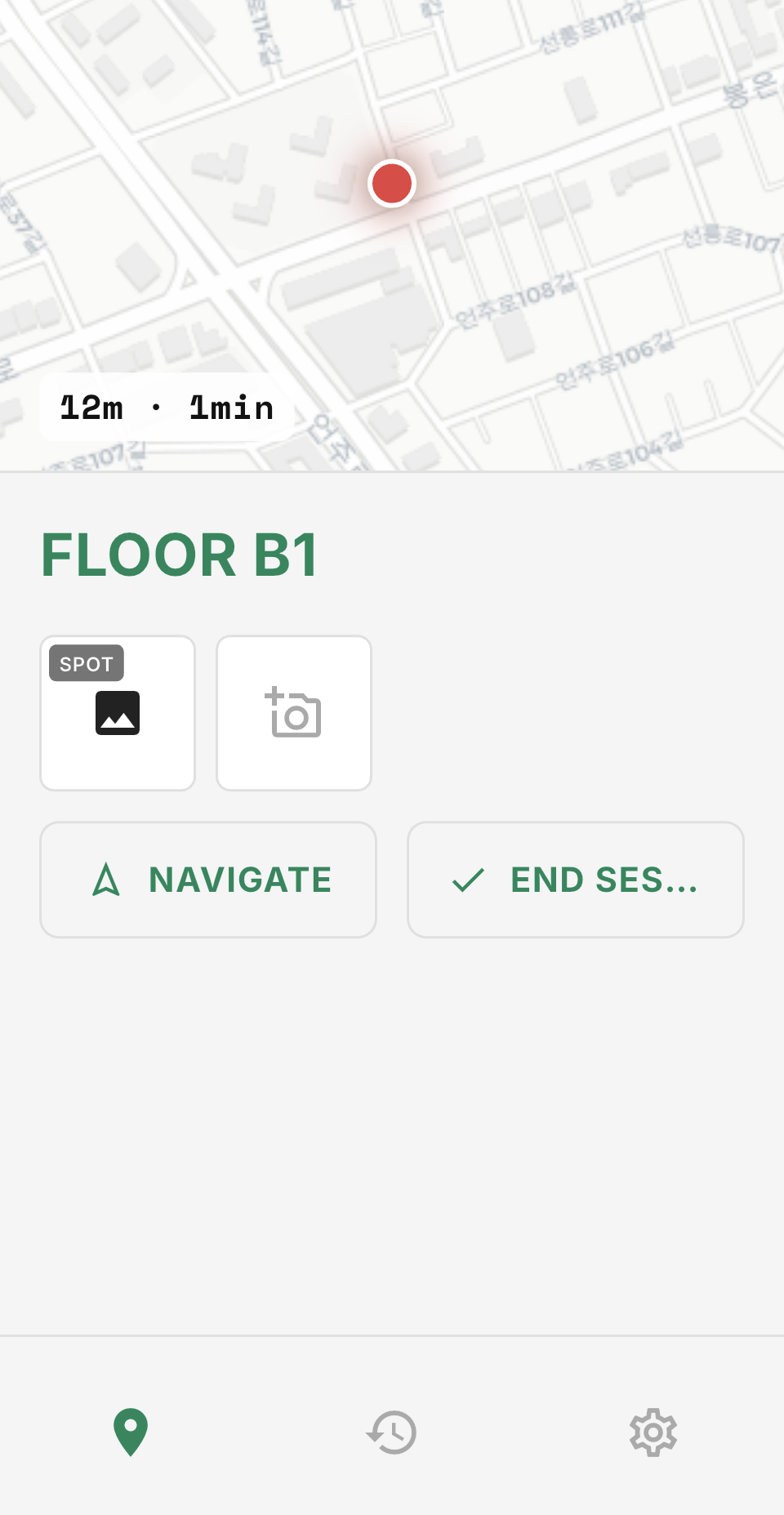
Screenshot: Main screen with large orange 'Save Spot' button in the center. Location text shows the current address. Bottom has optional photo and note fields.
Walking Directions Back
When you're ready to leave, tap "Find My Car" and get a live map with turn-by-turn walking directions straight to your spot. See your distance, estimated walking time, and a compass heading — works indoors and out, even in parking garages with GPS shadow.
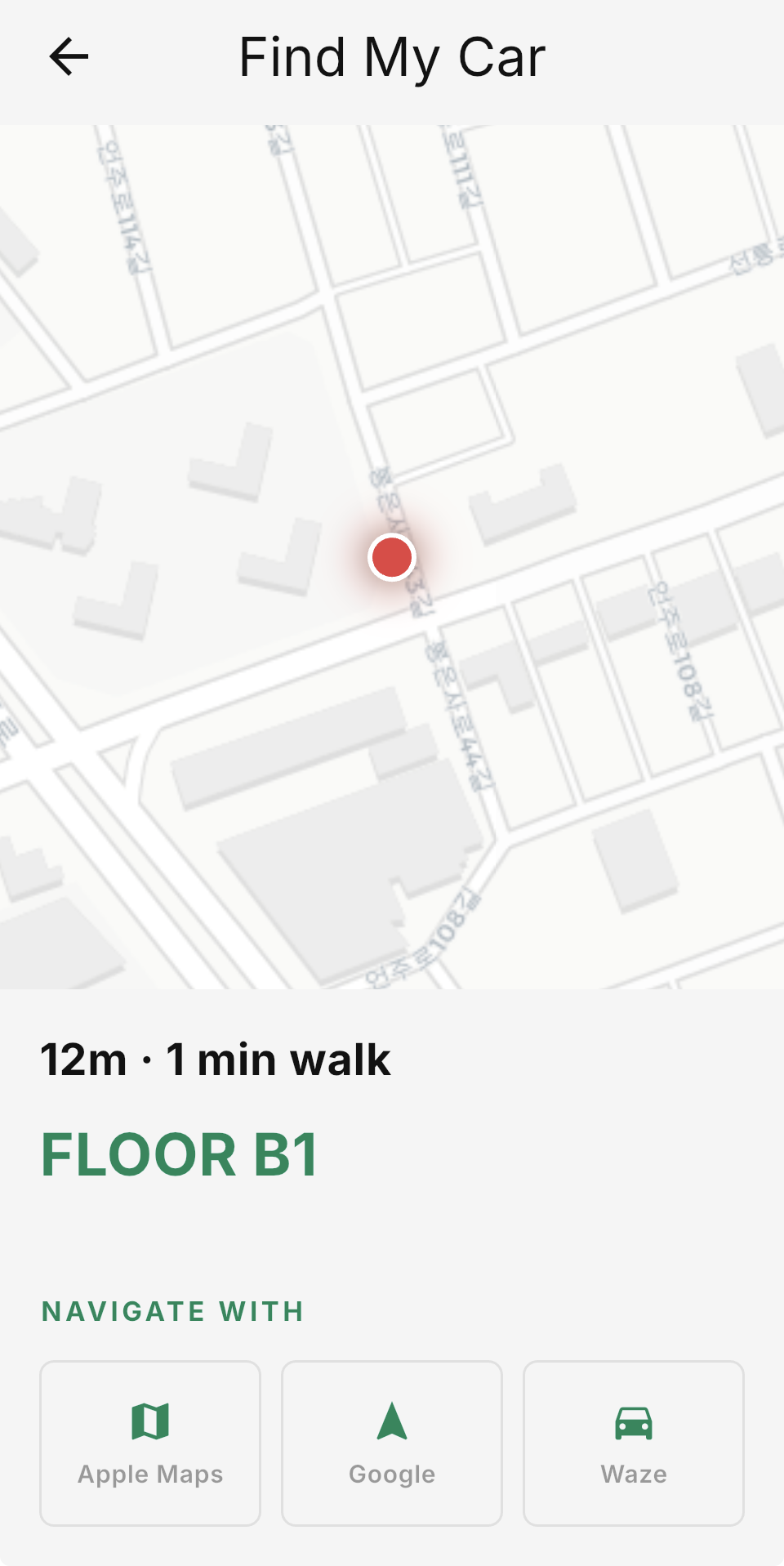
Screenshot: Map view showing a walking route from current position (blue dot) to saved car location (orange pin). Top bar shows '3 min walk · 250m'. Walking directions listed below the map.
Meter Timer & Alerts
Parked at a meter? Slide to set a countdown timer. You'll get a push notification 5 minutes before it expires — enough time to run back or add more time. The timer runs in the background so you can close the app and go about your day.
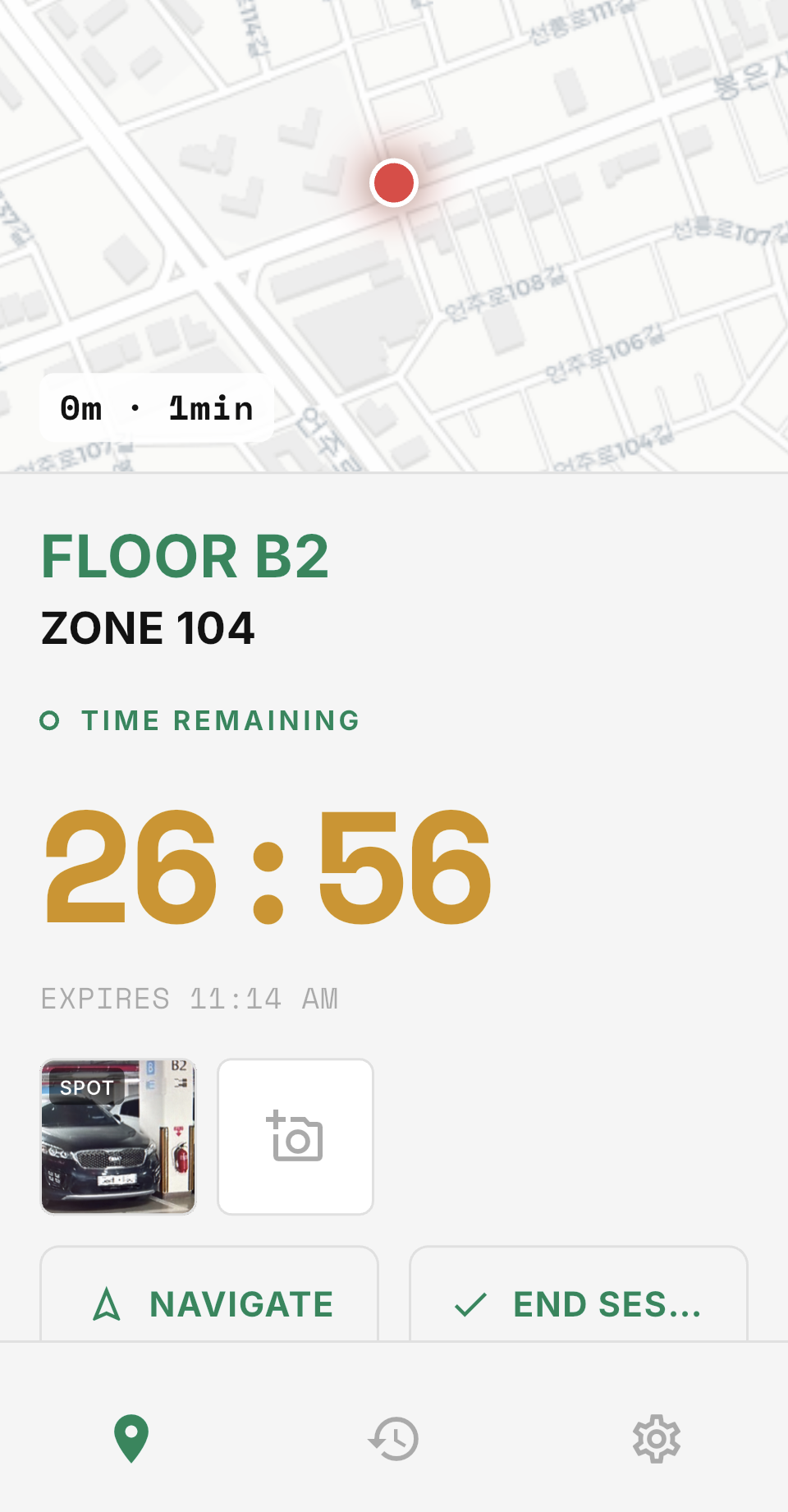
Screenshot: Circular countdown timer showing '47 min remaining' in large text. Below it a slider set to 1 hour. A bell icon indicates notifications are on. Status bar shows 'Alert at 4:55 PM'.
Parking History
Every spot you save is logged with the date, time, location, and any photos or notes. Revisiting a neighborhood? Scroll back to find that perfect street parking spot you used last month. Search by date or location name.

Screenshot: Scrollable list of past parking spots, each row showing a date, street address, small map thumbnail, and optional photo. A search bar at top. Most recent entry highlighted.
Photo Annotations
Snap a photo of your parking level sign, the row marker, or a nearby landmark. The photo is attached to your saved spot so you have a visual reference when walking back — especially useful in large garages where GPS alone isn't enough.

Screenshot: Camera view with a captured photo of a parking garage level sign reading 'P3-B'. An orange pin overlay marks the photo as attached to the current spot. 'Add Note' text field below.
Keep Your Camera Roll Clean
Be honest — how many photos of parking garage signs are clogging up your camera roll right now? Blurry shots of "Level P3" and "Row G" mixed in with your vacation photos and family memories. With dani.park, parking photos are taken inside the app and stay inside the app. They never touch your photo library. Your camera roll stays for the moments that matter.

Screenshot: Split comparison. Left side shows a messy camera roll grid with parking garage photos mixed between personal photos (highlighted in red). Right side shows the same camera roll clean and organized, with a small dani.park icon badge indicating parking photos live separately in the app.
Perfect for
Airport Long-Term Parking
You're gone for a week. When you land, exhausted at midnight, dani.park guides you straight to your car — no wandering through a sea of identical vehicles in a massive garage.
Street Parking in a New City
Exploring a city you don't know? Save your spot and explore freely. The app handles the "how do I get back" part so you can focus on the adventure.
Metered Parking While Shopping
Set your meter timer and shop without clock-watching. A notification arrives before your time runs out — no more surprise parking tickets.
Large Event Venues
Concerts, stadiums, theme parks — anywhere with thousands of cars and confusing lot numbers. Save your spot with a photo and walk right back after the event.
Why we built dani.park
“dani.park was born out of a real moment of frustration — 20 minutes of wandering through a multi-story parking garage after a long day. The existing apps were clunky, ad-filled, or required too many steps. We wanted something that works in literally one tap, with zero friction. That's dani.park.”
Free vs. Premium
Free
$0
- Save 1 spot at a time
- Basic map
- Manual timer